
How to create a new podcast page
- Click “Podcast” > “add new”

- Enter the title and a description
- Add an Artist name and a date

- Add the podcast link (this can be a link from mixcloud, soundcloud, youtube or a simple mp3)

- Upload a featured image (we suggest images of 2550x2550px; consider to compress your image before uploading for better performance)
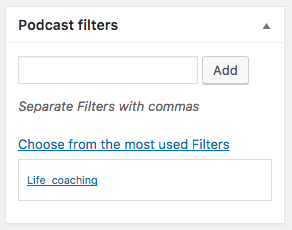
- Suggested: insert some “Podcast filters”, those will be the labels with which you can filter podcasts in the podcasts archive pages.
Creating the Podcast archive:
- Go to pages->Add New

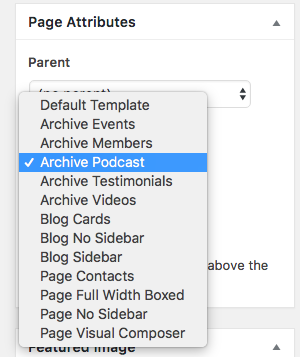
- Select the Archive Podcast template
- In Appearance->Menus link to the page you just created (optional)